In a small living room, every inch matters—especially behind the TV. A good wall mount can free up floor space, improve viewing angles, and make the whole setup look cleaner (without the wobble or “why is it tilting?” stress).
Disclosure: Some links may be affiliate links. As an Amazon Associate I earn from qualifying purchases.
What matters most in a small living room
Here’s what I prioritize when choosing a mount for tighter spaces:
- Low profile (saves depth): keeps the TV closer to the wall so the room feels bigger.
- Smooth tilt/swivel (real-world viewing): helps with glare from windows and awkward seating angles.
- Stability (no bounce): especially important if you’ve got kids, pets, or an older wall.
- Easy install (but safe): the best mount is the one you can install correctly.
Quick fit checklist before you buy
- VESA pattern: Check your TV’s mounting holes (e.g., 200×200, 400×400).
- TV weight: Don’t guess—look at your TV specs and compare to the mount’s rating.
- Wall type: Drywall over studs vs. concrete/brick changes everything.
- TV size range: Many mounts are optimized for specific screen sizes.
1) Studless No-Drill TV Hanger (Ultra Low-Profile, “No Stud” Style)
Best for
Renters or anyone who wants a super low-profile setup without a full stud-drill installation.
Why it stands out
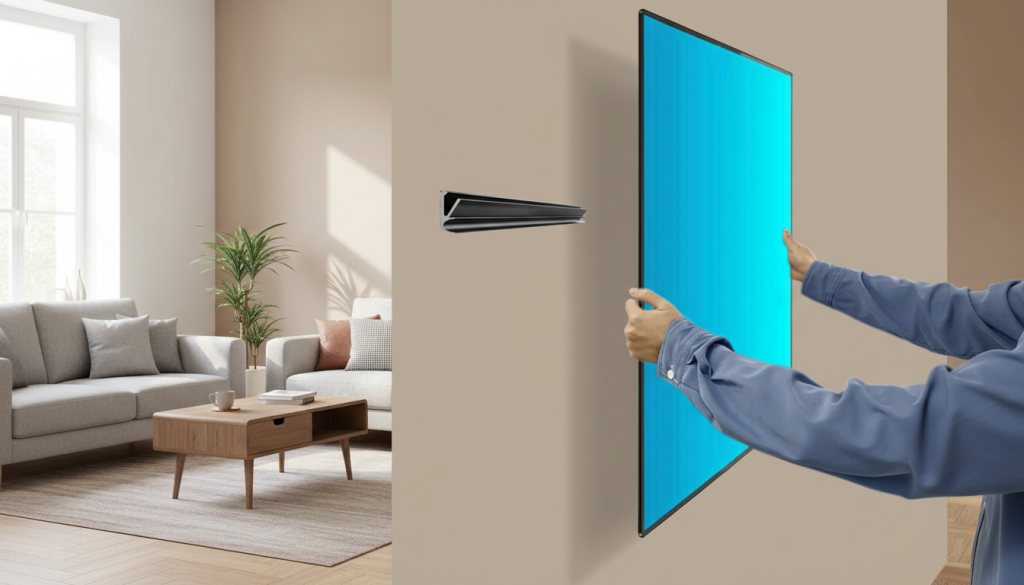
This style is all about simplicity: a slim bar mount designed to sit close to the wall, keeping the TV from sticking out into your space—perfect for narrow rooms and tight walkways.
What I like
- Very low profile (great for small rooms)
- Fast setup compared to traditional mounts
- Clean look—especially with hidden cables
What to watch out for
- “No-stud/no-drill” mounts can be wall-type sensitive (drywall condition matters a lot)
- Less ideal for frequent repositioning (it’s more “set and forget”)
Honest take: If your goal is space-saving first, this is the most minimalist option—just be extra careful about wall compatibility and installation steps.
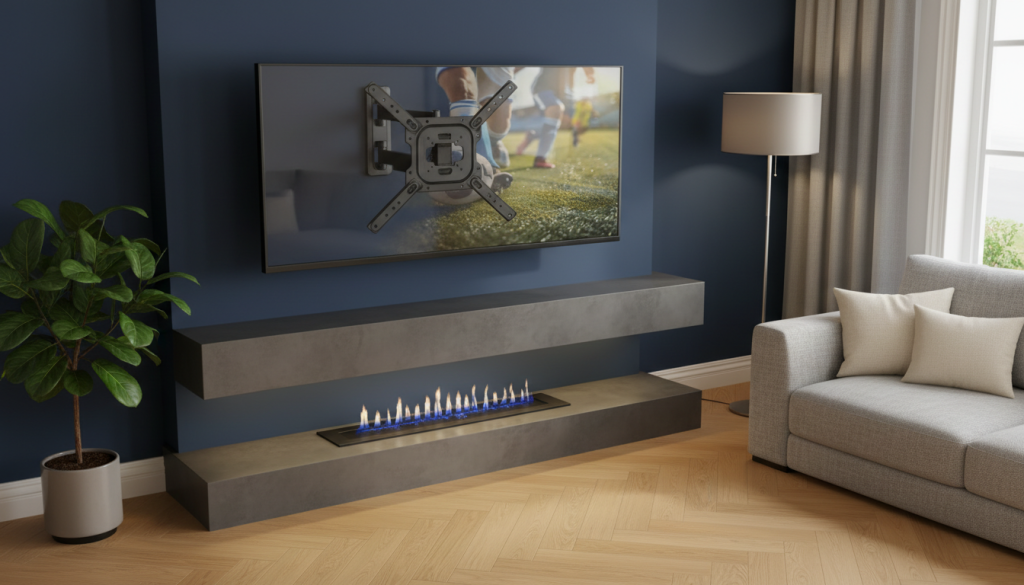
2) monTEK Full-Motion Mount for 23–65″ TVs (Swivel + Tilt, Strong Everyday Performer)
Best for
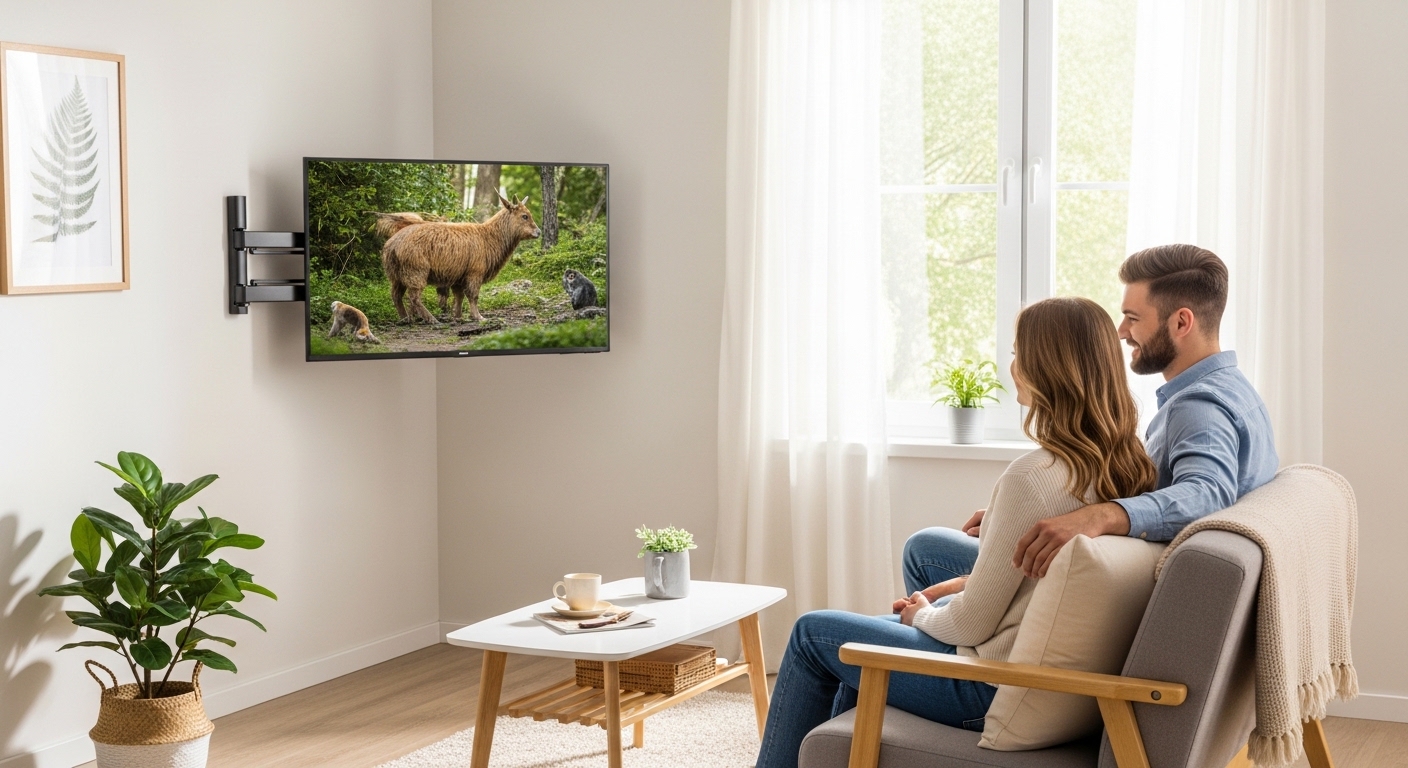
Small living rooms where you need angle control—corner setups, side seating, glare from windows, or open-concept layouts.
Why it stands out
Full-motion mounts are underrated in small spaces. Being able to pull the TV out, swivel, and tilt can make one TV work for multiple seating spots—without rearranging furniture.
What I like
- Swivel + tilt helps reduce glare and neck strain
- Great for corner mounting or off-center seating
- Feels stable when properly installed on studs
What to watch out for
- Full-motion mounts extend outward, which can matter in tight rooms
- Install is more involved than a fixed mount (measure twice, drill once)
Honest take: This is the most “small-living-room practical” choice if you want the TV to look good and watch comfortably from different spots.
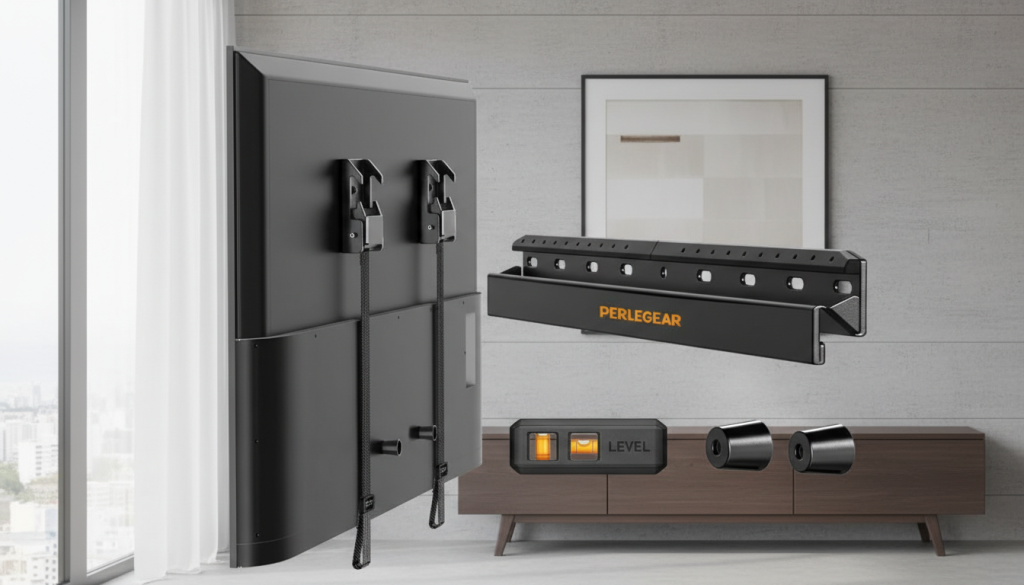
3) Perlegear No-Drill Studless Low-Profile Mount (Clean Look, Strong Support Feel)
Best for
People who want a low-profile mount with a simpler install approach—especially if you’re trying to avoid finding studs.
Why it stands out
Compared to ultra-minimal hangers, this type often feels more like a “traditional TV mount experience” while still aiming for a cleaner, easier setup.
What I like
- Low profile keeps the room looking open
- Good fit for many common living-room TV sizes
- Nice option when you want a stable mount without a full articulated arm
What to watch out for
- Still requires careful attention to wall condition and hardware
- Not the pick if you want heavy swivel/extension features
Honest take: If you want “clean + simple + stable” and don’t need the TV to move much, this is a strong middle-ground option.
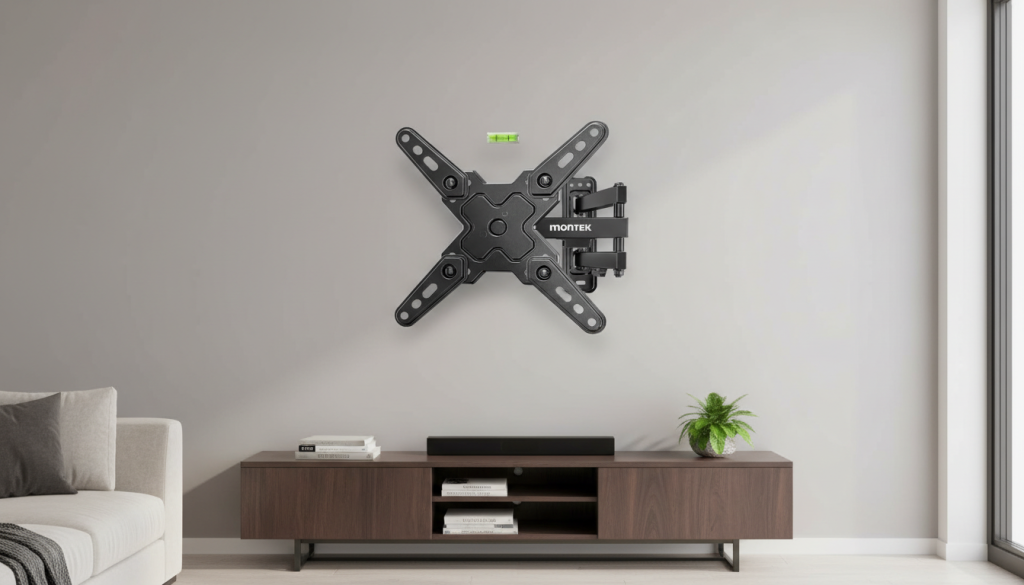
4) monTEK Full-Motion Mount for 13–43″ TVs & Monitors (Compact, Great for Tight Corners)
Best for
Smaller TVs in small living rooms, bedrooms, or apartment setups where a big mount would be overkill.
Why it stands out
For compact TVs, a smaller full-motion mount can be more stable than trying to use a giant bracket—plus it’s easier to center and level.
What I like
- Smooth swivel/tilt for small screens
- Great for corner placement or high mounting
- Typically easier to handle during install than larger arms
What to watch out for
- Limited to smaller TVs (by design)
- Make sure your TV’s VESA pattern matches (common on smaller sets, but still check)
Honest take: If your TV is under ~43″, this is a very “right-sized” solution that still gives you angle control.
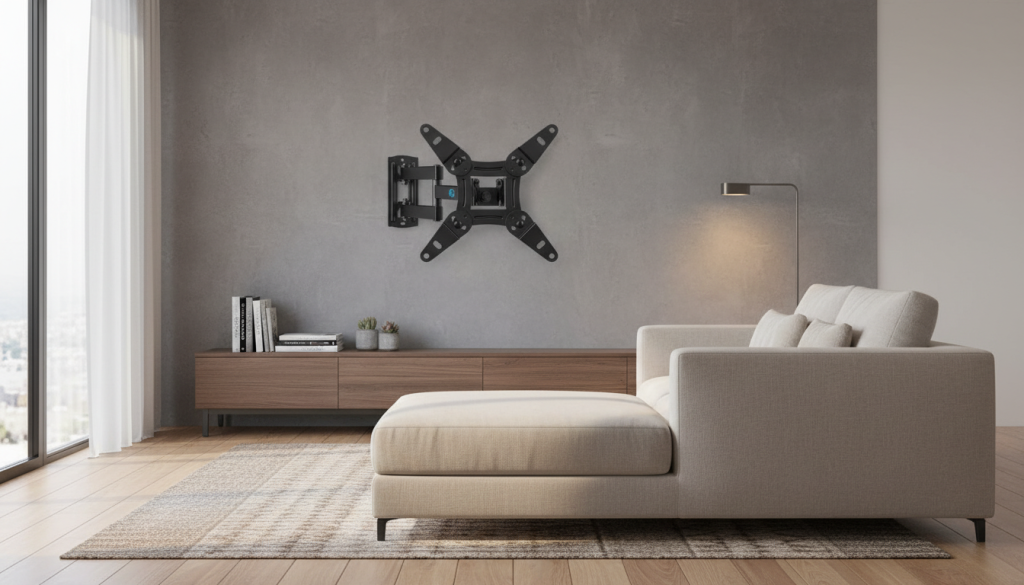
5) Pipishell Full-Motion Mount for 13–43″ TVs (Easy Angle Adjustments, Solid Value Pick)
Best for
Anyone who wants a proven-style articulating mount for smaller TVs with easy everyday adjustments.
Why it stands out
This one hits the classic essentials: swivel, tilt, and extension—useful if your small living room has mixed seating (sofa + floor cushions + desk chair, etc.).
What I like
- Great day-to-day adjustability
- Helps with glare and awkward viewing angles
- Good choice for compact living spaces
What to watch out for
- Not for large TVs
- As with any arm mount, proper install is key for stability
Honest take: A dependable pick when you want full-motion flexibility without going oversized.
Quick comparison: which one should you choose?
- Want max space-saving (closest to wall): #1 (Studless no-drill hanger)
- Want best viewing flexibility (swivel/tilt for real life): #2 (monTEK 23–65 full-motion)
- Want low profile + simpler approach: #3 (Perlegear studless low-profile)
- Have a smaller TV (13–43″) and want motion: #4 or #5
Best Overall Pick
Best Overall: #2 monTEK Full-Motion Mount for 23–65″
For a small living room, flexibility is comfort. Being able to tilt away glare and swivel toward wherever you’re sitting makes a bigger difference than people expect—especially in apartments and tight layouts.
Real-world install tips (so it looks clean and feels solid)
- Mount height: aim for the middle of the screen near eye level when seated.
- Cable plan first: decide where cables will run before you drill or stick anything.
- Use a level (always): “looks fine” becomes “why does it feel crooked?” in a week.
- Don’t over-tilt: a slight tilt is usually enough; extreme angles can look odd in small rooms.
- If you’re unsure about wall type or hardware, get help—a stable mount is worth it.